Monitor Your Station From Anywhere
Listen Live, Get Alerts & Check Your Broadcast Health On Your Phone or PC
Posted on January 23, 2026 Share on Facebook Share on Twitter
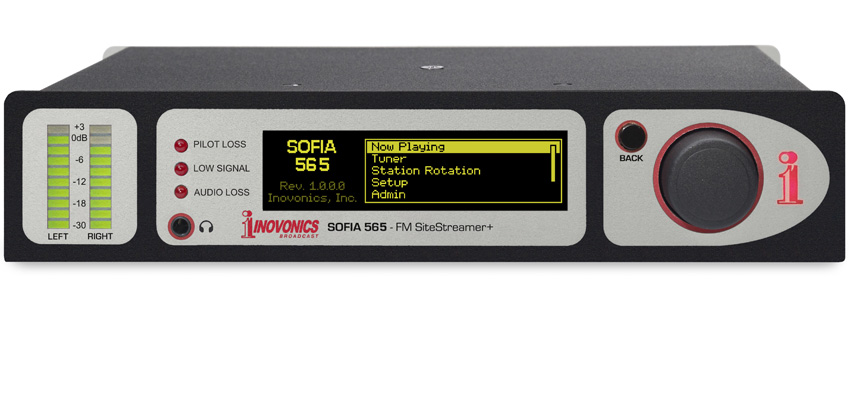

Meet the SOFIA SiteStreamer+
Use Your Phone to Monitor Your Radio Station
Start monitoring your radio broadcast (and your competitors) in 3 easy steps:
Step 1: Plug in your Inovonics SOFIA SiteStreamer+
Install an Inovonics SOFIA SiteStreamer+ or INOmini SiteStreamer II at your transmitter site or any location in your station’s coverage area. Connect power and an antenna.

Step 2: Connect to Your Network
Connect the LAN port to the router at your site, set a static IP address in your SOFIA SiteStreamer+ for remote monitoring.

Step 3: Use Your Smartphone, Tablet or Computer
Browse to the IP address of your SiteStreamer+, tune in your station to Listen LIVE, set Alarms, and Monitor RDS messaging from anywhere you have internet access!