Internet Security Bulletin
Don't Let Your Broadcast Get Hijacked!
Posted on February 05, 2026 Share on Facebook Share on Twitter
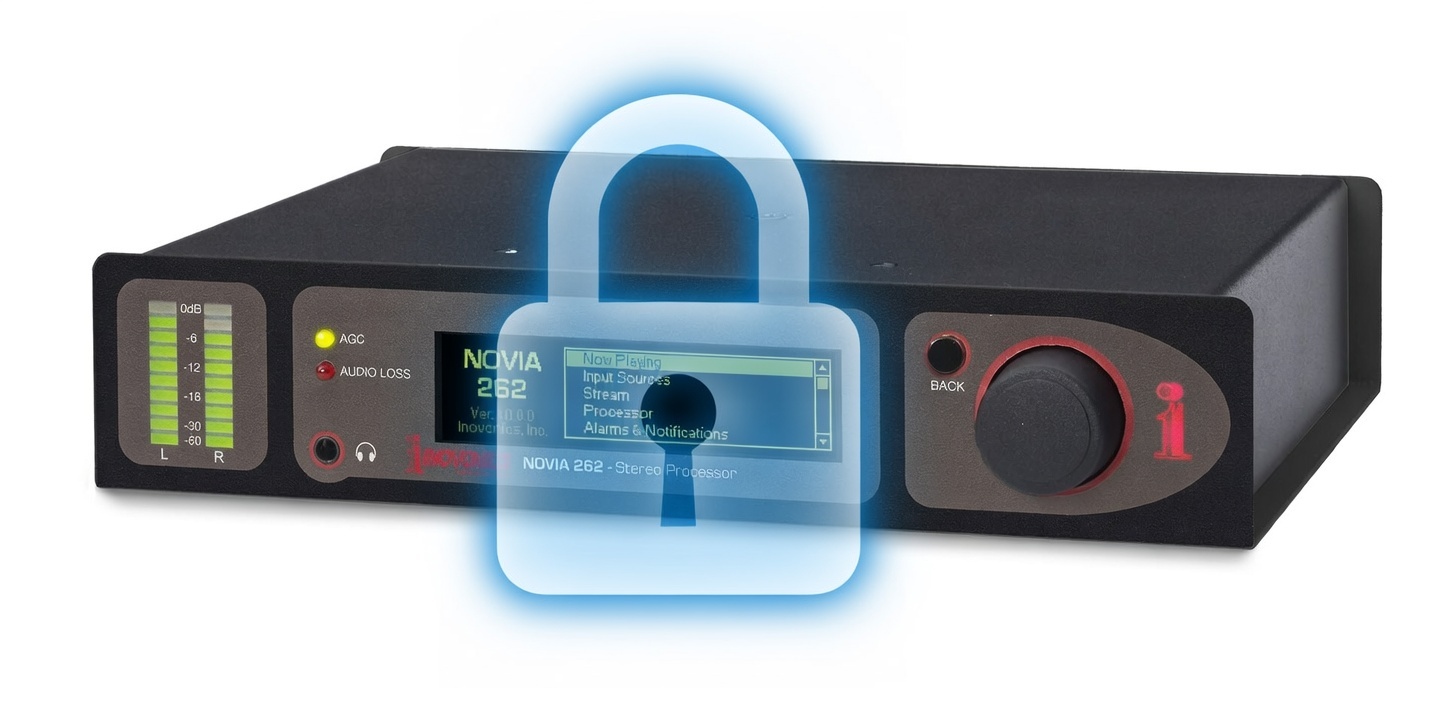
Set a Username & Password to Protect Your Gear!
We have seen situations where an Internet exposed device that has not been set up with passwords can be compromised by outside bad actors who change the settings of your device. These bad actors can sometimes find unprotected streaming devices online, set the unit to a very inappropriate internet stream and then create a password for the unprotected device which locks out the owner of the unit which is now broadcasting non-FCC compliant material.
We ship our products without a password assigned to make initial setup faster for our customers, but we need to stress the importance of setting up a login and password for your hardware at the time of installation. It is also highly recommended that users save a Hardware Profile after all their settings are finalized so that the restoration of all settings in the device is fast and easy.
The only way to restore an Inovonics unit that has been protected with an unknown password is to do a manual hard reset of the unit, which requires physical access to the unit. This will clear the password, but it also clears all of the units’ settings, which is why saving a hardware profile is so important.
It is also HIGHLY recommended to set up a VPN at your site which will prevent open ports from being discovered and exploited.
To manually reset most Inovonics devices:
Disconnect power, press and hold the “Back” button while restoring power, then release the back button.
For Models 526, 541, 551, hold three fingers on the touch screen at power up since there is no back button.
Next, go to Setup, Network, IP settings, and then enter the desired static IP (if you were using a static IP.) and check IP gateway, and DNS settings. (these may or may not have been changed)
If there is a saved hardware profile, it can be uploaded from the “Admin” page of the web interface to restore all the other previous settings.
Next, be sure to set up a username and password to keep the hijackers out!